AI Powered Products
AI Powered Products
Why I Built My Design Copilot & AI Powered Tools?
Why I Built My Design Copilot & AI Powered Tools?
Project Overview
Project Overview
This project reflects how AI became part of my thinking process, supporting my day-to-day design work as an extra brain, not just another tool.
This project reflects how AI became part of my thinking process, supporting my day-to-day design work as an extra brain, not just another tool.
To achieve this, I built two complementary initiatives:
Design Copilot - It acts like a senior teammate who understands your brand guidelines, design system, past decisions, and workflow, helping you think clearly and move faster.
AI-Powered Tools - handle repetitive and manual tasks, allowing designers to spend more time on creative, strategic, and high impact work.
To achieve this, I built two complementary initiatives:
Design Copilot - It acts like a senior teammate who understands your brand guidelines, design system, past decisions, and workflow, helping you think clearly and move faster.
AI-Powered Tools - handle repetitive and manual tasks, allowing designers to spend more time on creative, strategic, and high impact work.
🤖 Design Copilot
🤖 Design Copilot
A Design Partner Built for Clarity and Confidence
A Design Partner Built for Clarity and Confidence
🧩 Problem Statement
🧩 Problem Statement
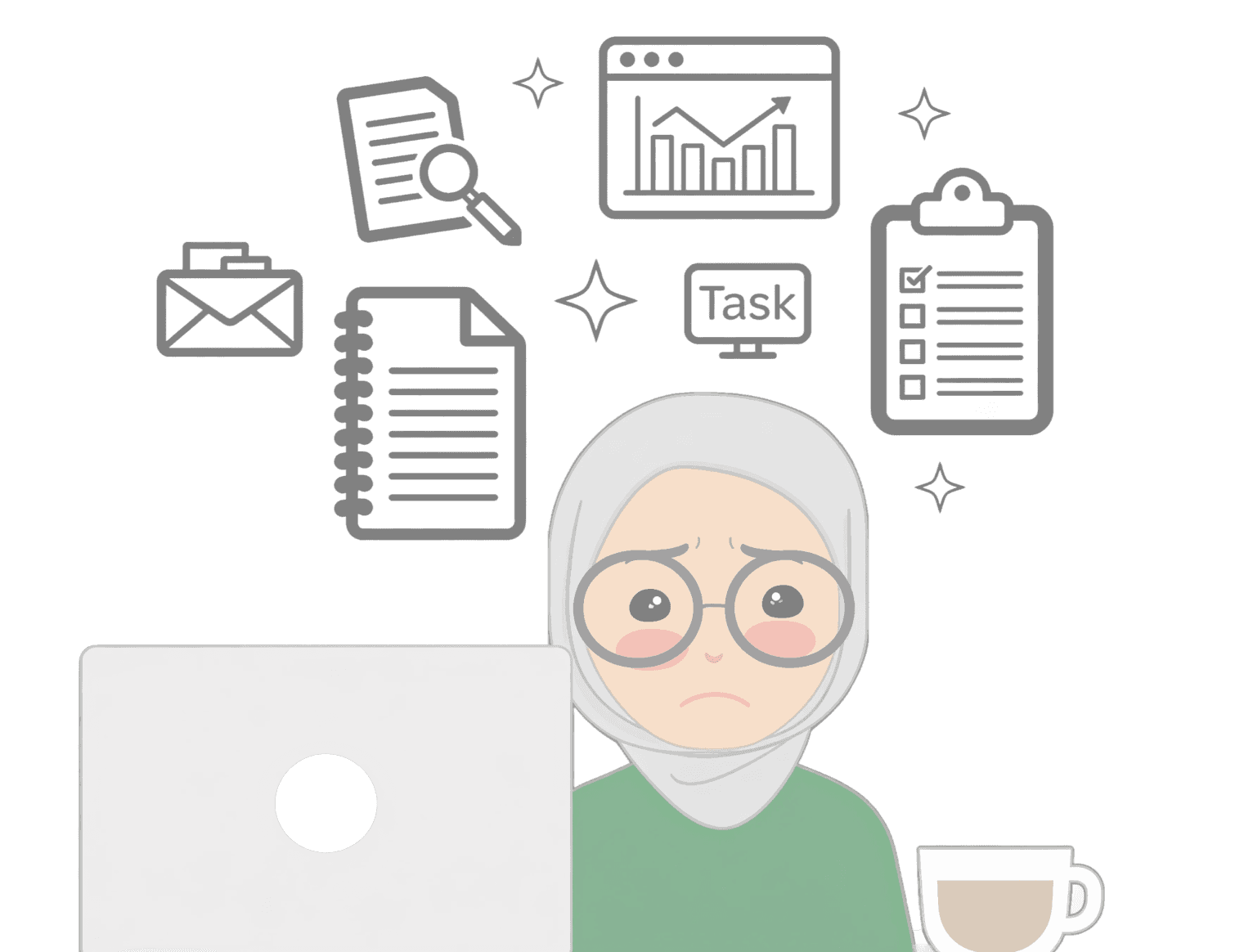
As designers, we don’t struggle because we lack tools. We struggle because our context lives in too many places
As designers, we don’t struggle because we lack tools. We struggle because our context lives in too many places
Design systems live in Figma
WCAG, accessibility guidelines in files
Research insights live in PDFs and slide decks
A/B test results live in analytics tools
UI decisions live in notes, messages, and memory
Design systems live in Figma
WCAG, accessibility guidelines in files
Research insights live in PDFs and slide decks
A/B test results live in analytics tools
UI decisions live in notes, messages, and memory
All the information exists - but not in one place.
All the information exists - but not in one place.
🎯 The Goal
🎯 The Goal
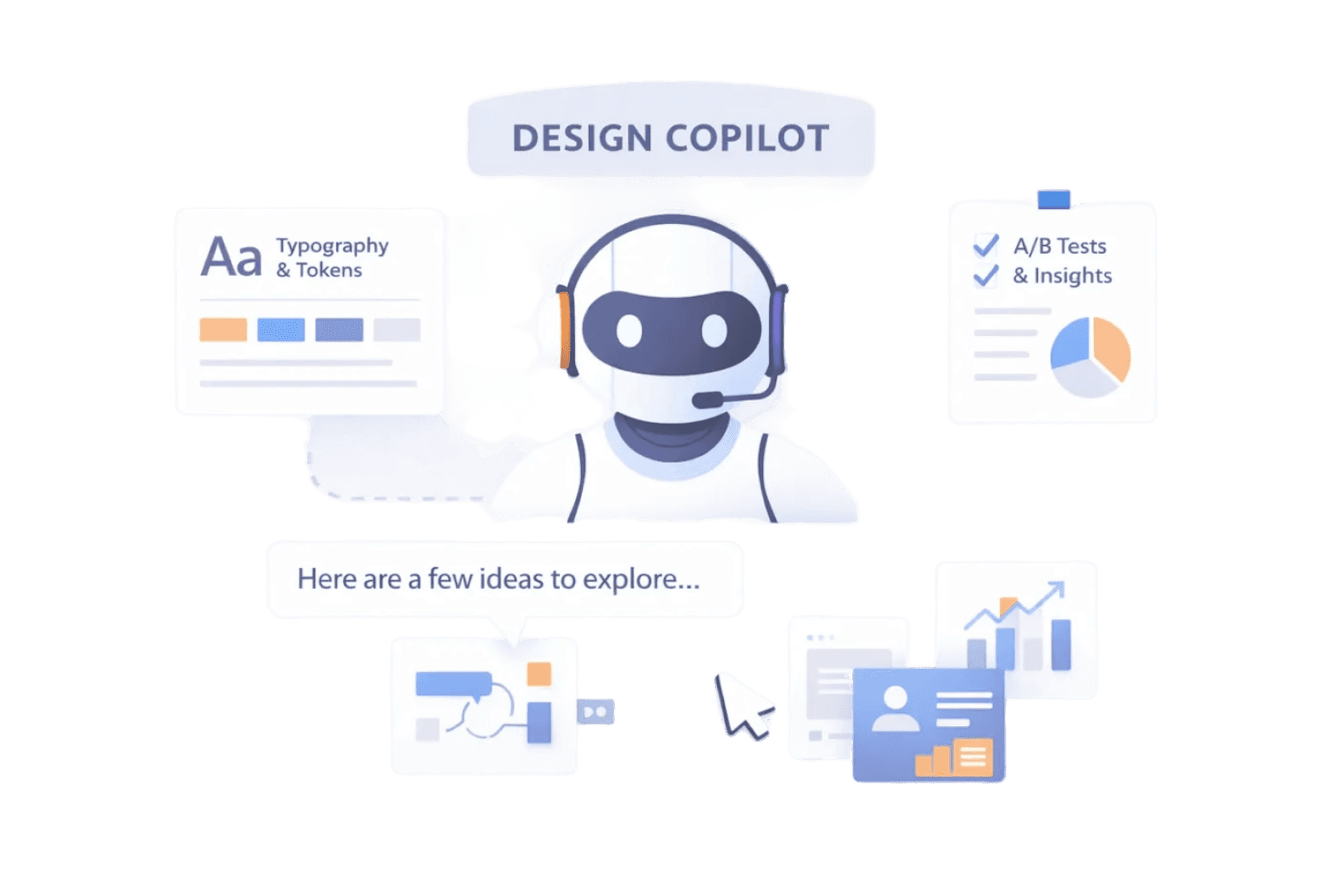
The goal was to create a single design partner that remembers everything related to my work and makes that information available exactly when I need it. Instead of holding context in my head or searching across tools, I wanted one place I could turn to for informed, relevant guidance.
The goal was to create a single design partner that remembers everything related to my work and makes that information available exactly when I need it. Instead of holding context in my head or searching across tools, I wanted one place I could turn to for informed, relevant guidance.
🧠 How I Built and Worked With My Design Copilot
🧠 How I Built and Worked With My Design Copilot
I built my Design Copilot directly in ChatGPT and treated it the same way I would onboard a new designer joining my team.
I built my Design Copilot directly in ChatGPT and treated it the same way I would onboard a new designer joining my team.
I started by giving it full context.
I started by giving it full context.
What I’m working on
Design challenges / face daily
Recurring pain points in UI, UX, and collaboration
Design system guidelines, and accessibility standards
Research documents, A/B test results, and product insights
Accessibility standards
What I’m working on
Design challenges / face daily
Recurring pain points in UI, UX, and collaboration
Design system guidelines, and accessibility standards
Research documents, A/B test results, and product insights
Accessibility standards
Instead of dropping information randomly, I explained why things exist, the same way I would explain decisions to a teammate.
Instead of dropping information randomly, I explained why things exist, the same way I would explain decisions to a teammate.
Setting Clear Expectations
Setting Clear Expectations
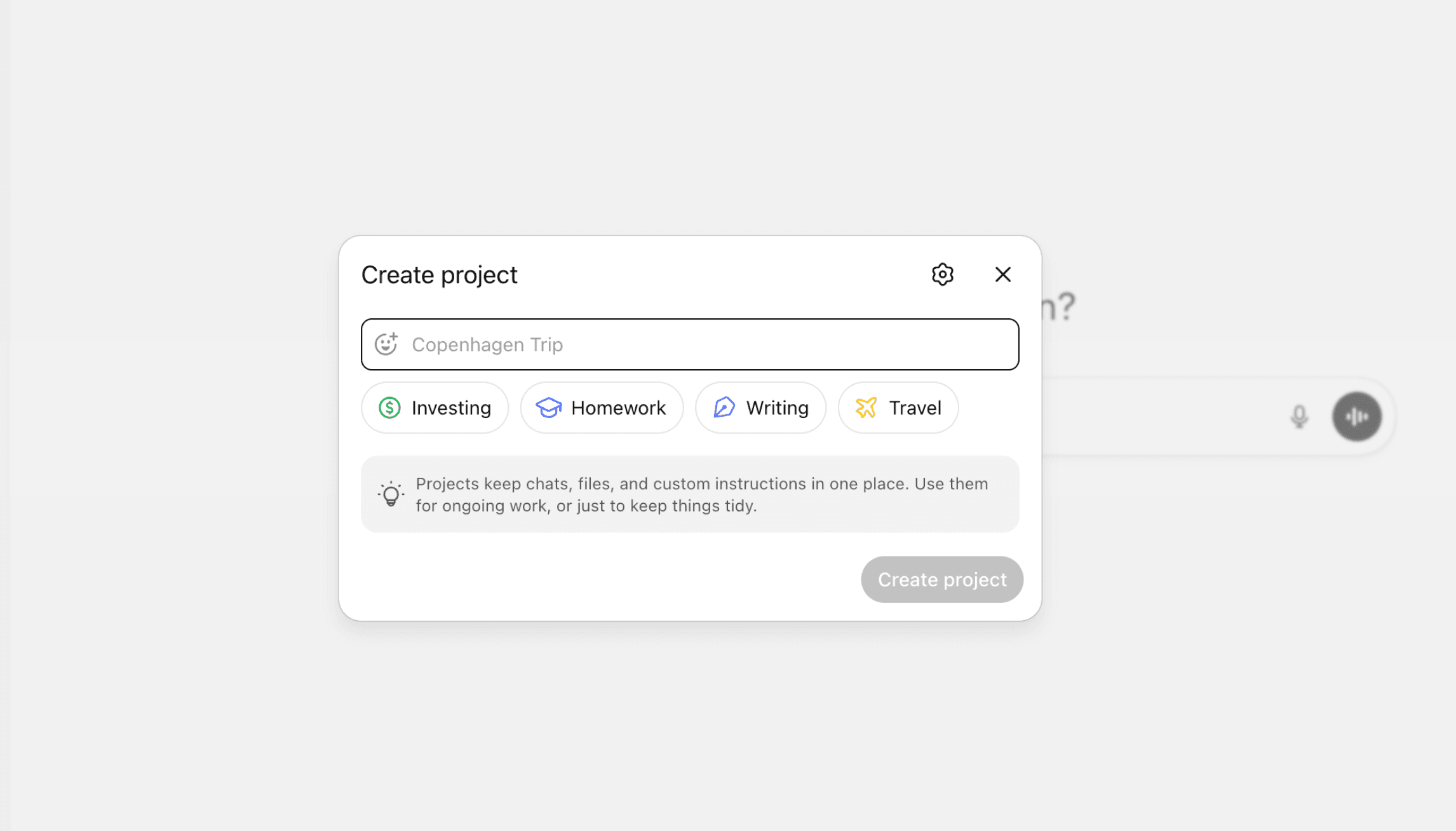
At the beginning, I wrote a clear and intentional prompt explaining why I needed this Design Copilot and how I wanted it to support my work.
I asked the copilot to act as my UI and product design partner, to challenge my ideas when something felt off, to prioritize clarity, consistency, and usability, and to remember the context I shared and build on it over time. I also made it clear that responses should reflect the thinking of a senior designer, not a generic assistant.
This step was critical.
It set the tone for collaboration and shifted the copilot from being reactive to becoming a true thinking partner in my design process.
At the beginning, I wrote a clear and intentional prompt explaining why I needed this Design Copilot and how I wanted it to support my work.
I asked the copilot to act as my UI and product design partner, to challenge my ideas when something felt off, to prioritize clarity, consistency, and usability, and to remember the context I shared and build on it over time. I also made it clear that responses should reflect the thinking of a senior designer, not a generic assistant.
This step was critical.
It set the tone for collaboration and shifted the copilot from being reactive to becoming a true thinking partner in my design process.
Working Together in Practice
Working Together in Practice
I use it to explore early ideas and rough blueprints, to pressure-test layouts and flows, and to review designs against system rules before they reach a polished stage. I bring unfinished thinking to it, ask questions out loud, and let it challenge assumptions before decisions become expensive.
I use it to explore early ideas and rough blueprints, to pressure-test layouts and flows, and to review designs against system rules before they reach a polished stage. I bring unfinished thinking to it, ask questions out loud, and let it challenge assumptions before decisions become expensive.
For example, while working on a product flow, I asked the copilot to review my layout using our spacing, typography, and accessibility guidelines. Because it already understood the design system and past decisions, it noticed an inconsistency that would normally appear much later during review. Catching it early saved time and avoided unnecessary rework.
For example, while working on a product flow, I asked the copilot to review my layout using our spacing, typography, and accessibility guidelines. Because it already understood the design system and past decisions, it noticed an inconsistency that would normally appear much later during review. Catching it early saved time and avoided unnecessary rework.
📈 Impact on My Workflow
📈 Impact on My Workflow
Working with a Design Copilot saves me around 40% of the time that would otherwise be spent on context switching and rechecking information.
With less energy going into retrieval and validation, I can focus more on thinking, refining, and improving quality. I move faster without rushing, make decisions earlier, and stay focused on what truly matters.
By keeping context, memory, and structure in one place, it strengthens my judgment and clarity. Over time, this adds up to 8–10 hours saved each week, which I now invest in deeper design work and building more meaningful, high-quality products.
Working with a Design Copilot saves me around 40% of the time that would otherwise be spent on context switching and rechecking information.
With less energy going into retrieval and validation, I can focus more on thinking, refining, and improving quality. I move faster without rushing, make decisions earlier, and stay focused on what truly matters.
By keeping context, memory, and structure in one place, it strengthens my judgment and clarity. Over time, this adds up to 8–10 hours saved each week, which I now invest in deeper design work and building more meaningful, high-quality products.
🛠️ AI-Powered Tools
🛠️ AI-Powered Tools
Reducing Repetitive Work and Saving Time at Scale
Reducing Repetitive Work and Saving Time at Scale
🧩 Problem Statement
🧩 Problem Statement
I work closely with marketing teams on landing pages for e-learning and funnel-based products. These pages often need to be launched in 10 or more languages at the same time.
Two pain points kept coming back again and again.
I work closely with marketing teams on landing pages for e-learning and funnel-based products. These pages often need to be launched in 10 or more languages at the same time.
Two pain points kept coming back again and again.
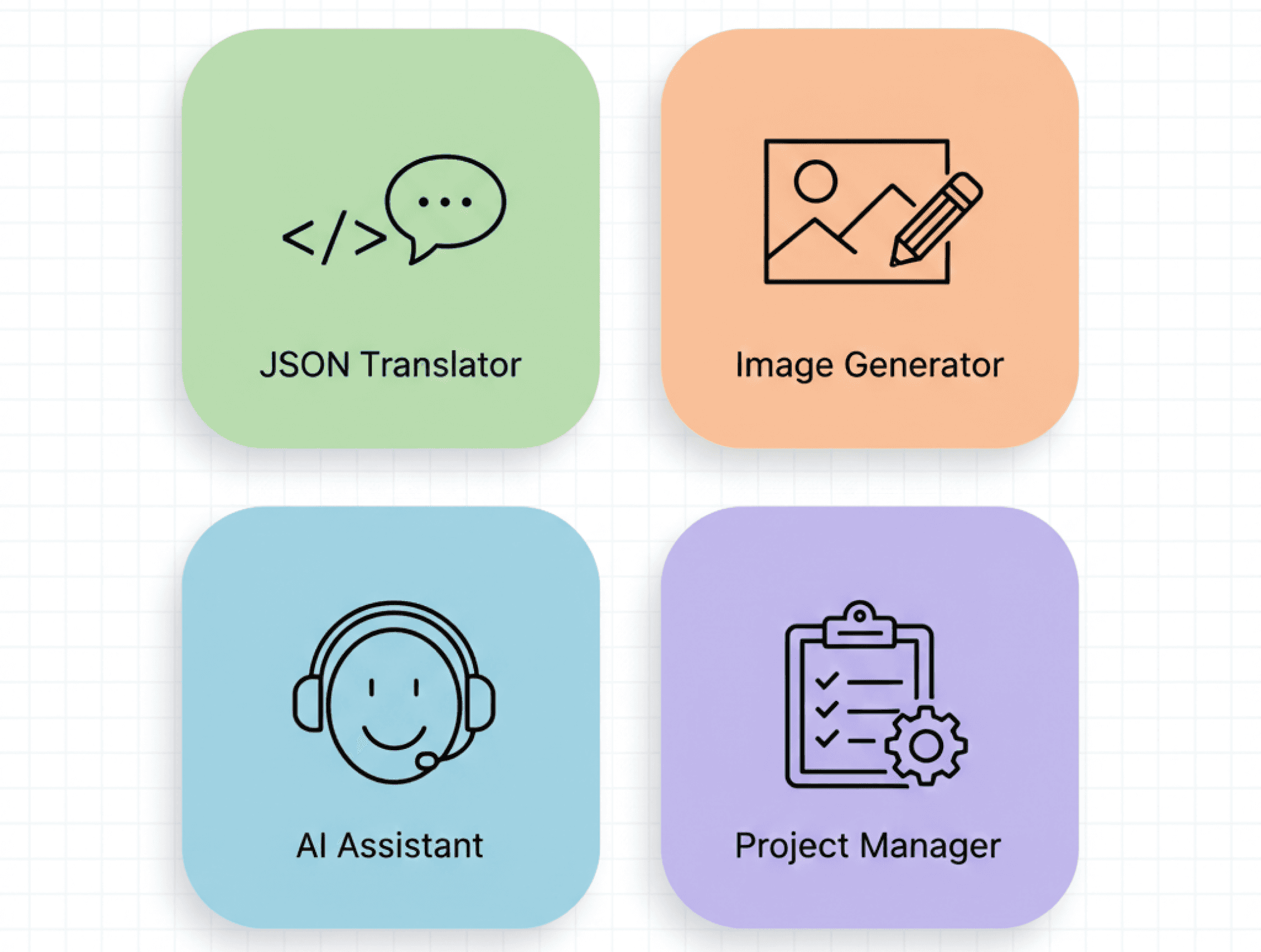
Pain Point 1: Content Generation and Translation
All landing page content lives in JSON files.
All landing page content lives in JSON files.
The typical workflow looked like this:
The typical workflow looked like this:
write or generate new English content
translate that content into multiple languages
manually update each language version
rename and structure JSON keys correctly
repeat this process for every update
write or generate new English content
translate that content into multiple languages
manually update each language version
rename and structure JSON keys correctly
repeat this process for every update
Even when using AI tools like ChatGPT or Claude AI translators, the process was still slow. Content generation and translation happened in separate steps, across different tools, with a lot of manual work in between.
Even when using AI tools like ChatGPT or Claude AI translators, the process was still slow. Content generation and translation happened in separate steps, across different tools, with a lot of manual work in between.
Pain Point 2: Images for Landing Pages
Images were another constant friction point.
Images were another constant friction point.
To add visuals to landing pages, the process usually looked like this:
To add visuals to landing pages, the process usually looked like this:
search for images on platforms like Freepik or Unsplash
download large image files
open a compression tool
resize and compress images manually
rename files correctly for development
repeat for every image
search for images on platforms like Freepik or Unsplash
download large image files
open a compression tool
resize and compress images manually
rename files correctly for development
repeat for every image
Downloaded images were often 500 KB to 1 MB, while the product required images under 100 KB for fast page loading.
Downloaded images were often 500 KB to 1 MB, while the product required images under 100 KB for fast page loading.
🎯 The Goal
🎯 The Goal
Remove repetitive steps and bring everything into one place, so I could focus on design quality instead of operational work.
Remove repetitive steps and bring everything into one place, so I could focus on design quality instead of operational work.
I wanted tools that:
combine multiple steps into a single flow
reduce manual work
produce production-ready assets
work at scale, not just for one page
combine multiple steps into a single flow
reduce manual work
produce production-ready assets
work at scale, not just for one page
🧠 Solution: Two AI-Powered Tools
🧠 Solution: Two AI-Powered Tools
1. JSON Content Generator & Translator
1. JSON Content Generator & Translator
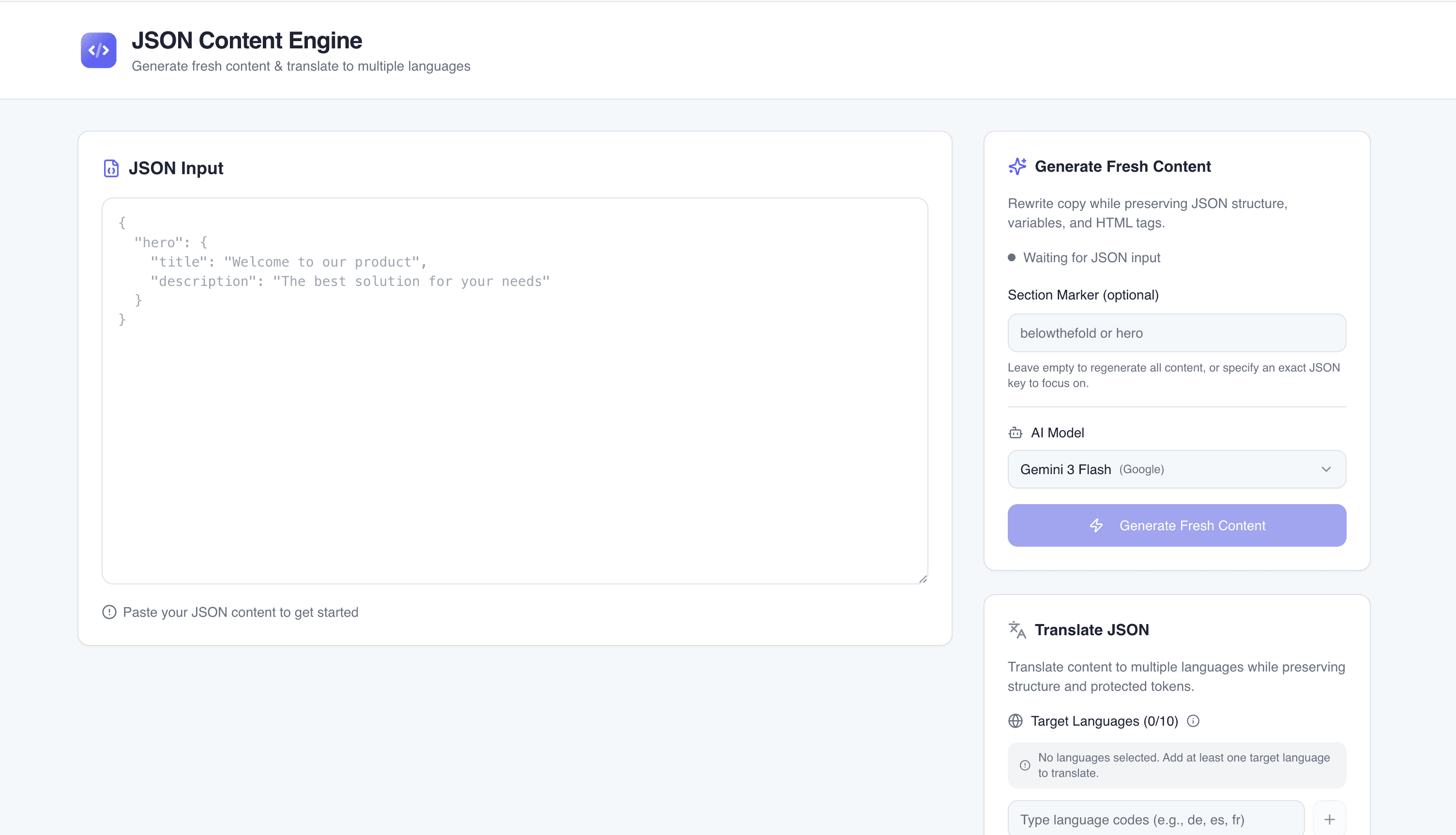
I built a tool that combines content generation and translation in one workflow.
I built a tool that combines content generation and translation in one workflow.
Instead of generating and translating content separately, I can now:
Instead of generating and translating content separately, I can now:
upload or define the base structure
generate fresh content
translate it into multiple languages at once
export ready-to-use JSON files with correct naming
upload or define the base structure
generate fresh content
translate it into multiple languages at once
export ready-to-use JSON files with correct naming
2. Image Generator & Compressor
2. Image Generator & Compressor
For visuals, I built a second tool focused on speed and performance.
For visuals, I built a second tool focused on speed and performance.
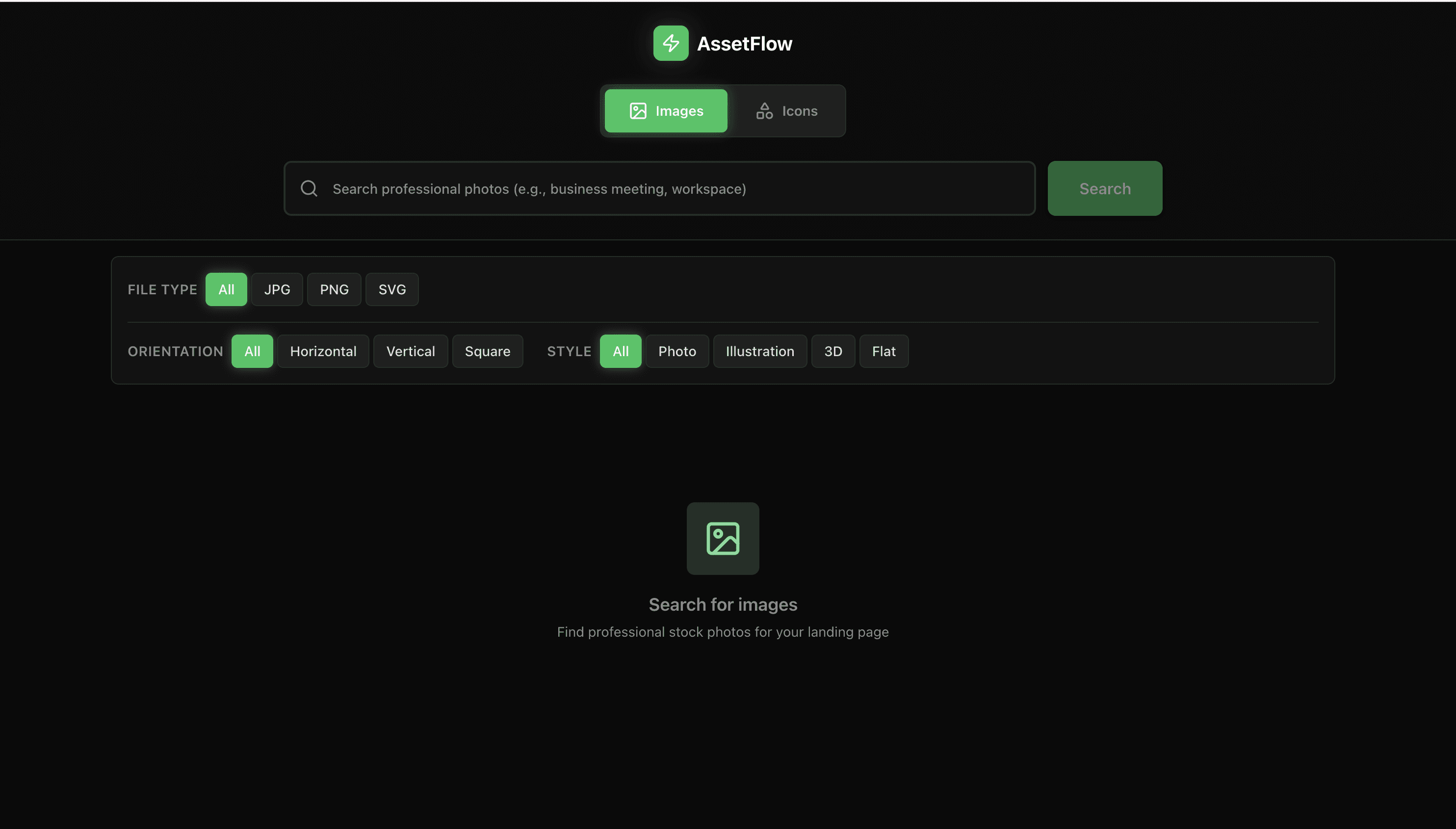
The tool is connected via API to image sources like Freepik and Unsplash. Inside the same interface, I can:
The tool is connected via API to image sources like Freepik and Unsplash. Inside the same interface, I can:
search for relevant images
generate or select visuals
automatically compress them to the required size
rename files correctly
download images that are already production-ready
search for relevant images
generate or select visuals
automatically compress them to the required size
rename files correctly
download images that are already production-ready
No extra compression tools · No manual renaming · No performance issues
No extra compression tools · No manual renaming · No performance issues
📈 How This Improved My Work
📈 How This Improved My Work
These tools significantly changed how I handle marketing and landing page work, with clear, measurable impact.
These tools significantly changed how I handle marketing and landing page work, with clear, measurable impact.
50% reduction in time spent on repetitive tasks such as content generation and translation
60–70% faster image preparation, including resizing, compression, and format optimization
Eliminated manual file clean-up, reducing errors in file names and formats to nearly zero
50% reduction in time spent on repetitive tasks such as content generation and translation
60–70% faster image preparation, including resizing, compression, and format optimization
Eliminated manual file clean-up, reducing errors in file names and formats to nearly zero
Overall, this saved 8–10 hours per week, allowing me to focus on higher-value work like improving layouts, refining visual direction, and collaborating more closely with marketing on the quality and consistency of the final experience.
Overall, this saved 8–10 hours per week, allowing me to focus on higher-value work like improving layouts, refining visual direction, and collaborating more closely with marketing on the quality and consistency of the final experience.